Async Jobs
A page for viewing the run history of heavy, long-running work — such as report generation — that background workers process.
Features
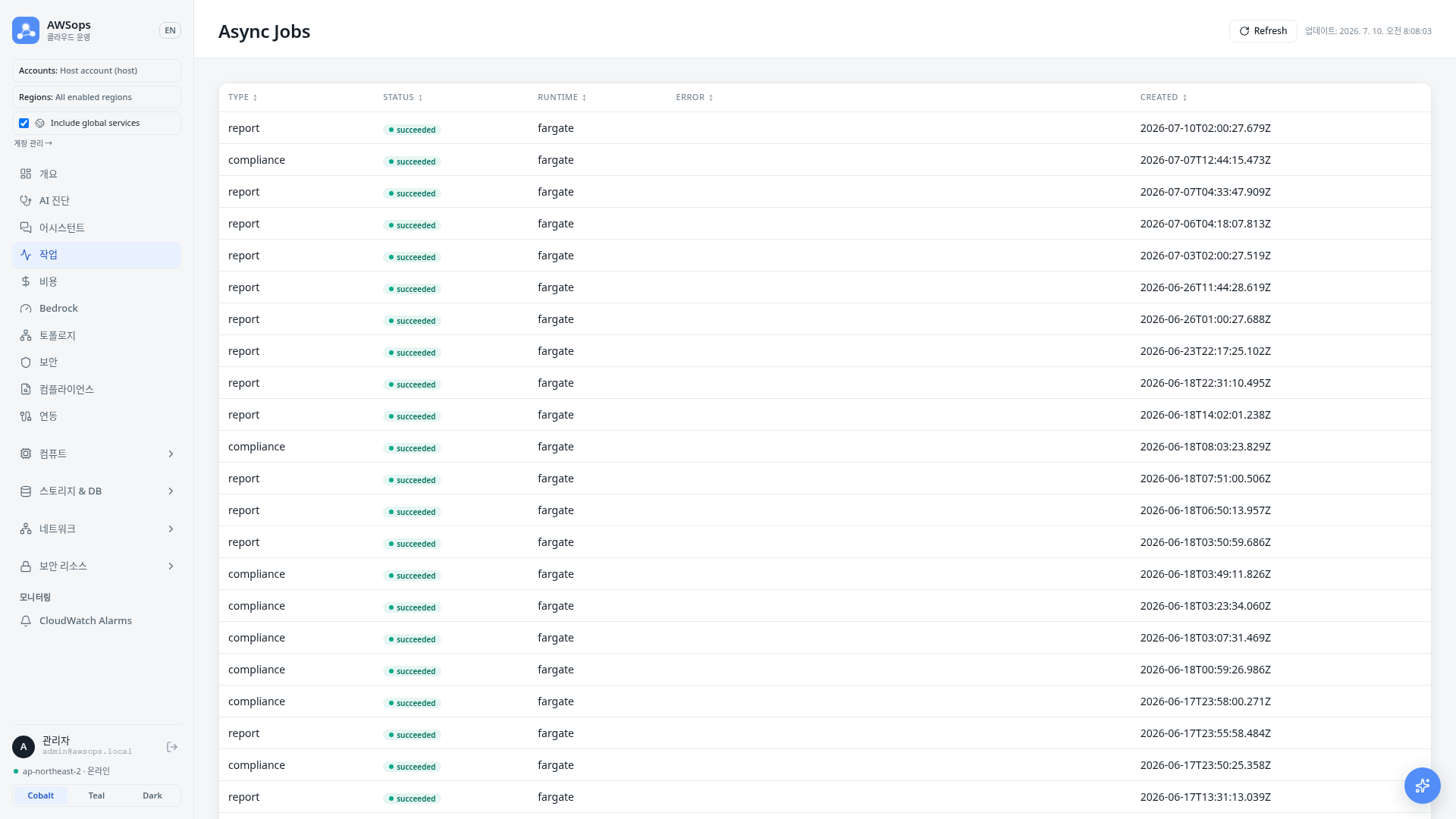
Jobs table
Shows up to the 50 most recent jobs. Heavy work is not run inline in the browser but handed off to background workers, and this page presents the results read-only.
| Column | Description |
|---|---|
| Type | The kind of job |
| Status | Processing state, shown as a colored badge |
| Runtime | Where the job ran |
| Error | Error message when the job failed |
| Created | When the job was created (KST) |
Status badges
- queued: Enqueued and waiting to be processed
- running: Being processed by a worker
- succeeded: Completed successfully
- failed: Failed during processing (see the Error column for the cause)
- canceled: Canceled
Runtime
- lambda: The execution environment for short jobs
- fargate: The execution environment for long or memory-heavy jobs
How to use
- In the sidebar, click AI Operations > Async Jobs
- Check the Status and Runtime badges of recent jobs in the table
- Click a column header to sort by that field
- Press Refresh to reload the latest history; the last-updated time is shown alongside
Tips
Checking failure causes
For jobs with Status failed, you can find the error message in the Error column.
Read-only view
This page only views job run history. Jobs are enqueued in the background by other features (for example, report generation), and their results appear here.
Narrow screens
On narrow screens the table switches to cards, making it comfortable to view on mobile.
Related pages
- AI Diagnosis - Diagnosis reports generated in the background