CIS Compliance
The CIS Compliance page evaluates security compliance status based on the AWS CIS (Center for Internet Security) benchmarks. It uses Powerpipe to automatically check hundreds of controls.
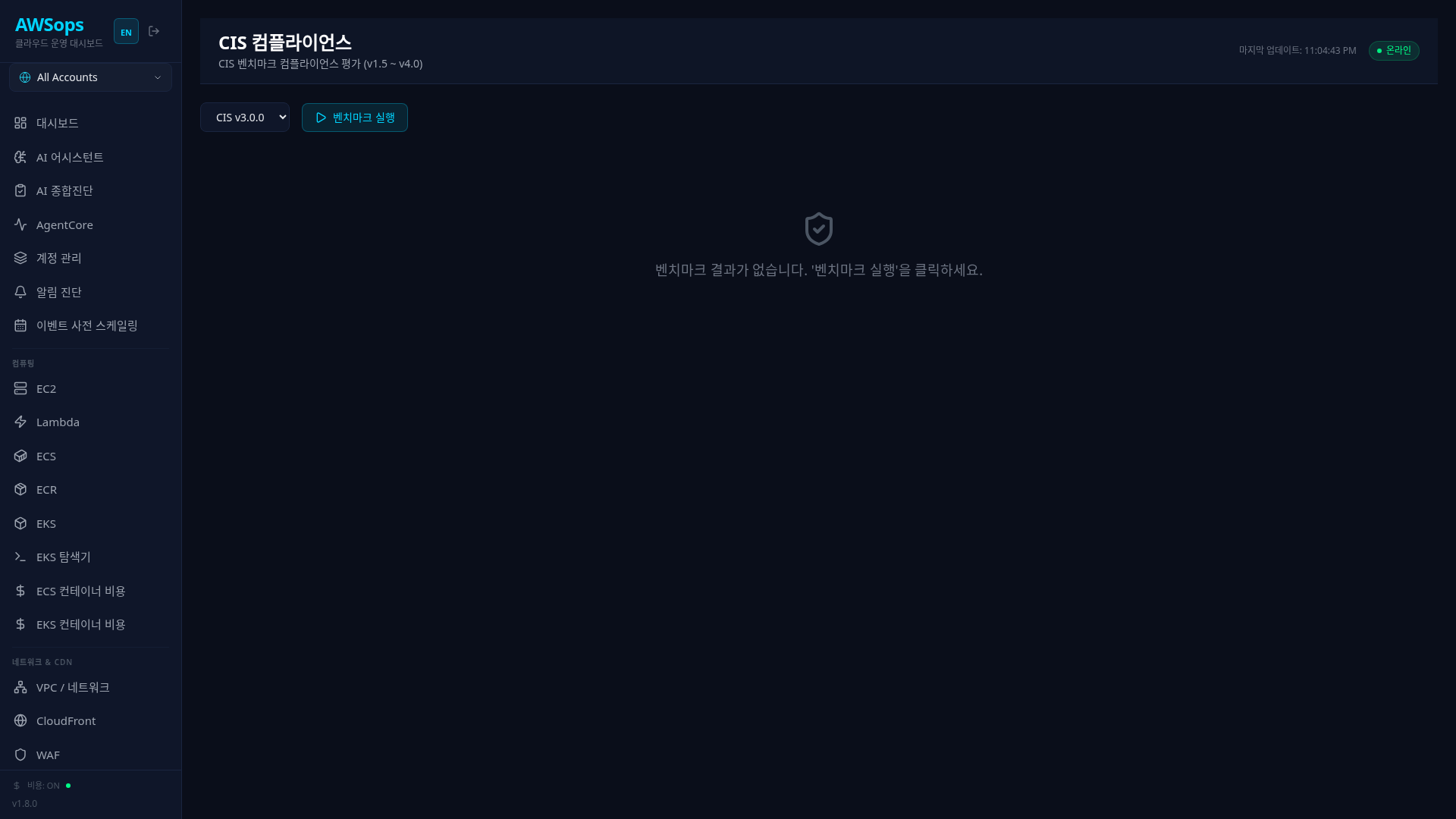
Supported Benchmarks
The following CIS AWS Foundations Benchmark versions are supported:
| Version | Controls | Notes |
|---|---|---|
| CIS v4.0.0 | Latest | 2024 release |
| CIS v3.0.0 | Default | Recommended version |
| CIS v2.0.0 | Legacy | |
| CIS v1.5.0 | Legacy |
Unless you have specific requirements, we recommend using CIS v3.0.0. It incorporates the latest security recommendations while remaining stable.
Running the Benchmark
- Select a benchmark version from the dropdown
- Click the Run Benchmark button
- Progress status is displayed during execution (approximately 2-5 minutes)
The benchmark performs hundreds of AWS API calls. It may take 2-5 minutes depending on the number of AWS resources.
Results Summary
Statistics Cards
| Metric | Description |
|---|---|
| Pass Rate | Pass rate (OK / Total) |
| Total Controls | Total number of controls checked |
| OK | Passed controls |
| Alarm | Failed controls (action required) |
| Skipped | Skipped controls |
| Errors | Execution errors |
Pass Rate Thresholds
| Pass Rate | Status | Meaning |
|---|---|---|
| 80% or above | Green | Good |
| 50-79% | Orange | Improvement needed |
| Below 50% | Red | Serious action required |
Visualization Charts
Compliance Status (Pie Chart)
Displays the distribution of control statuses:
- OK (Green): Passed
- Alarm (Red): Failed - action required
- Skip (Gray): Skipped - not applicable
- Error (Orange): Execution error
- Info (Cyan): Informational
Alarms by Section (Bar Chart)
Compares the number of failures (Alarm) by section. Focus on sections with the most failures first. Zero-alarm sections get no bar, and when every section is alarm-free the chart itself is omitted. Bar values count per checked resource (finding), so they can exceed the control-level Alarm KPI tile (the card says 'per finding'); with more than 10 alarming sections only the top 10 show ('Top 10 of N').
Completion Email Notification
When a benchmark run successfully completes (failed runs send nothing), an SNS email is sent with the benchmark name, scope, total/passed/failed (Alarm) counts, the pass rate, and a /compliance link. It uses the same SNS topic/subscriptions as the AI-diagnosis notifications (gated by diagnosis_notify_enabled), and the admin pause switch (diagnosis email pause) silences it too. Mail for the same benchmark is limited to one per 60 minutes (re-runs don't re-blast). A notification failure never affects the benchmark result (best-effort).
Section Details
CIS benchmarks are organized into the following major sections:
| Section | Key Checks |
|---|---|
| 1. Identity and Access Management | Root account, MFA, password policy, IAM users |
| 2. Storage | S3 bucket encryption, public access blocking |
| 3. Logging | CloudTrail, Config, VPC Flow Logs |
| 4. Monitoring | CloudWatch alarms, metric filters |
| 5. Networking | Security Groups, NACLs, VPC configuration |
Section Cards
Information available on each section card:
- Section title
- OK / ALARM / SKIP counts
- Pass rate percentage
- Progress bar (visual status indicator)
Click a section card to expand the list of controls in that section.
Control Details
Control List
Clicking a section displays the list of child controls:
| Icon | Status |
|---|---|
| Green check | OK - Passed |
| Red X | ALARM - Failed |
| Orange warning | ERROR - Error |
| Gray minus | SKIP - Skipped |
| Cyan info | INFO - Information |
Control Details Panel
Click a control to view detailed information in a slide panel:
- Control ID: CIS control number (e.g., 1.1, 2.1.1)
- Title: Control title
- Status: Check result status
- Reason: Pass/fail reason
- Resource: Target resource ARN
- Description: Control description and recommendations
For controls in ALARM status, check the Reason and Resource to take action. Most controls can be easily fixed via the AWS Console or CLI.
Saving Results
Benchmark results are cached on the server. The last execution results persist even after page refresh.
Click the Run Benchmark button again when you need new results.