Compare and tabs demo
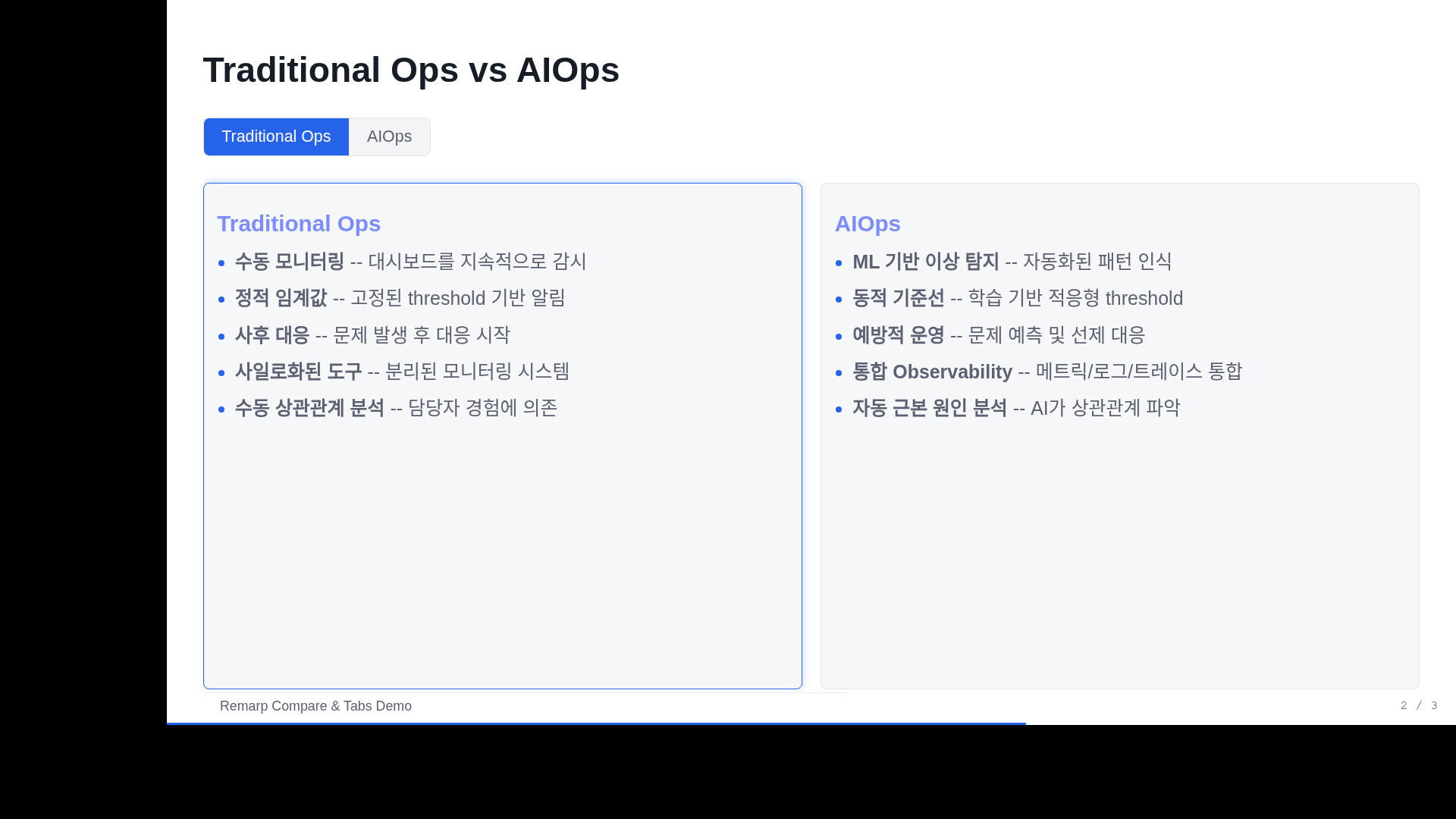
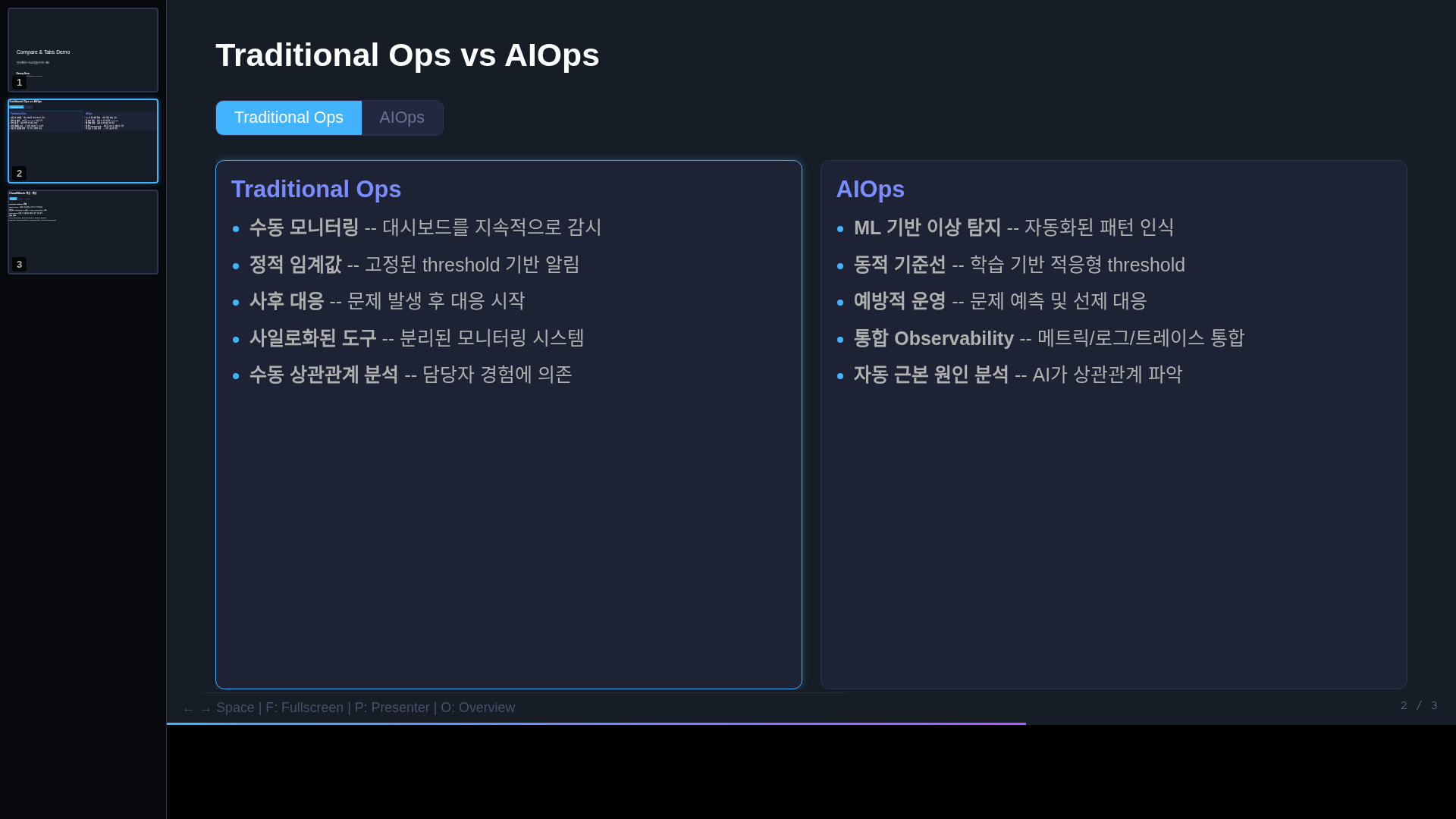
Selectable comparisons and tabbed content present related operational concepts without putting every alternative on one screen.
Live example
What to inspect
Click each option/tab and verify that both the active state and visible panel change. Use concise parallel labels and matching criteria. New source uses explicit compare/tabs types and the current framework controls.
Embedded HTML, downloadable sources, and screenshots are frozen example artifacts. Their original language is preserved; these guides explain how to interpret them.
Screenshots